mabim-himarpl
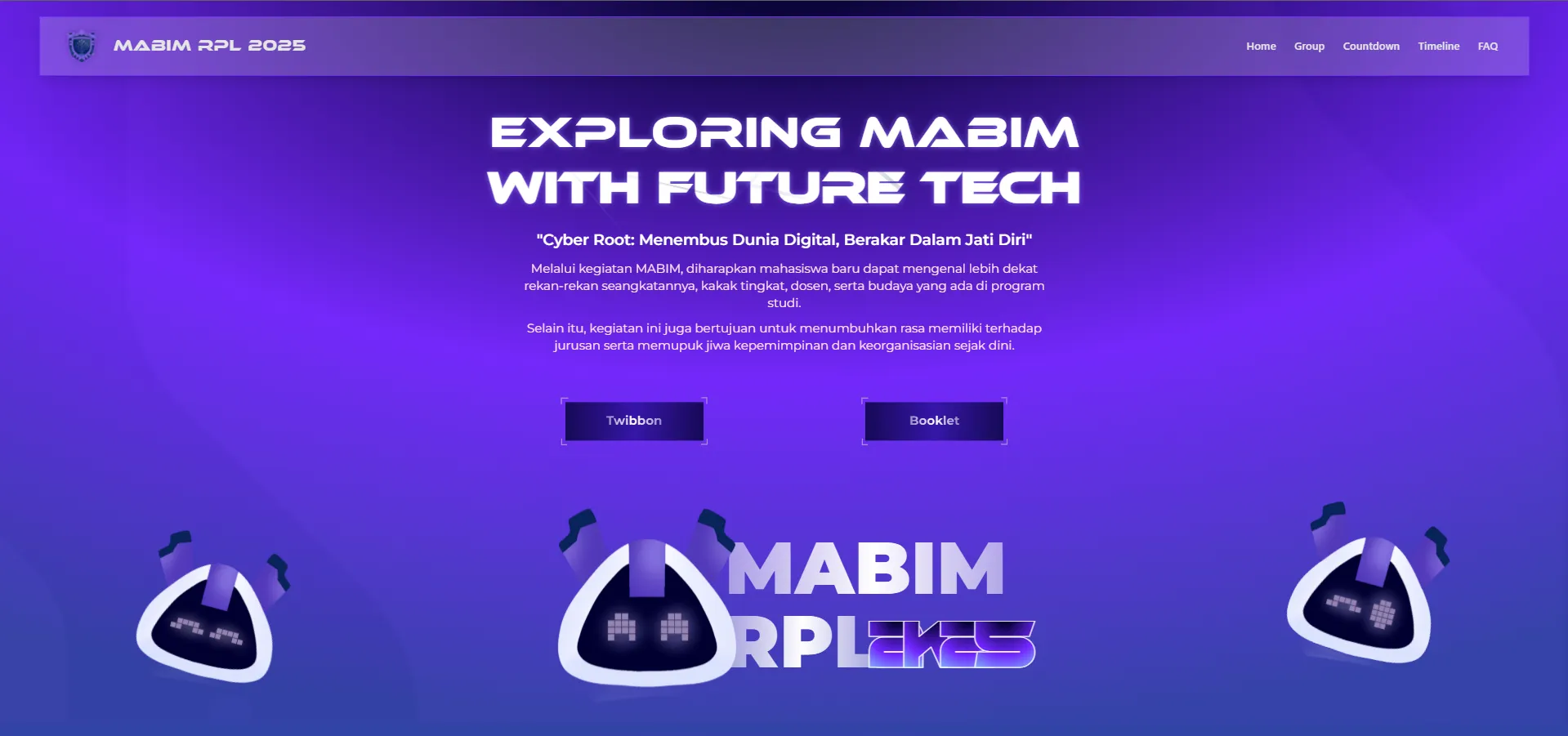
mabim.himarpl.org is the first one and only website by HIMARPL for providing information about Masa Bimbingan RPL (Student Orientation Program) at UPI. The website is built using NextJS.
Key Features
- Interactive Hero Section with Animated Elements
- Dynamic Group/Mentor Information System
- Event Timeline & Countdown
- FAQ Section
- Sponsor & Media Partner Showcase
- Responsive Navigation
- Smooth Scrolling & Animations
Core Dependencies
Framework & Runtime
- NextJS
- React
- React DOM
UI Components & Styling
- Radix UI Components (Various @radix-ui/* packages)
- Tailwind CSS with Custom Configuration
- Motion for Animations
- Shadcn UI Components
- Custom Modern-Cyber Components
Design & Animation
- Motion
- Lenis
Project Structure
/src/components/common- Core components/src/components/ui- Reusable UI components/src/components/ornament- Decorative elements/src/assets- Static assets and images/src/styles- Global styles and Tailwind configuration
Setup Local Development
This guide will walk you through setting up a local development environment for the Mabim HIMARPL website.
Prerequisites
Before installing the application, ensure you have:
Setup Steps
-
Fork and clone the repository:
HTTPS git clone https://github.com/himarplupi/mabim-himarpl-2025.gitSSH git clone git@github.com:himarplupi/mabim-himarpl-2025.gitGitHub CLI gh repo clone himarplupi/mabim-himarpl-2025 -
Navigate to project directory:
Terminal window cd mabim-himarpl -
Set up remote upstream:
HTTPS git remote add upstream https://github.com/himarplupi/mabim-himarpl-2025.gitSSH git remote add upstream git@github.com:himarplupi/mabim-himarpl-2025.gitGitHub CLI gh repo sync himarplu pi/mabim-himarpl-2025 -
Install dependencies and start development server:
Terminal window npm ci # Install dependenciesnpm run dev # Start development serverThe application should now be running at
http://localhost:3000. -
Create a new branch for your changes:
Terminal window git checkout -b my-feature-branch -
After you are satisfied with your changes, add and commit them to your branch, then push your branch to your fork.
Terminal window git add .git commit # Please follow the commit guidelines belowgit push -u origin my-feature-branch -
Create Pull Request.
Available Scripts
npm run dev- Starts development server with hot reloadnpm run build- Creates production buildnpm run start- Starts production servernpm run lint- Runs linting checks
Future Migration
Read the future planning on domain management for more information about this mabim-himarpl website. After the migration, this website will be archived and the mabim.himarpl.com domain will be used for the new Mabim website.
Support
For questions or issues:
- GitHub Issues
- Contact Departemen Kominfo HIMARPL
- Visit himarpl.org
License
This project is licensed under the MIT License - see the LICENSE file for details.